
ANPR Edge · Barriers
Keep your cameras and barriers. Automate the gate between them.
ANPR Edge reads plates from ordinary IP cameras and opens compatible Hikvision, Dahua or relay-controlled barriers over your local network. No proprietary ANPR camera and no cloud delay in the opening path.
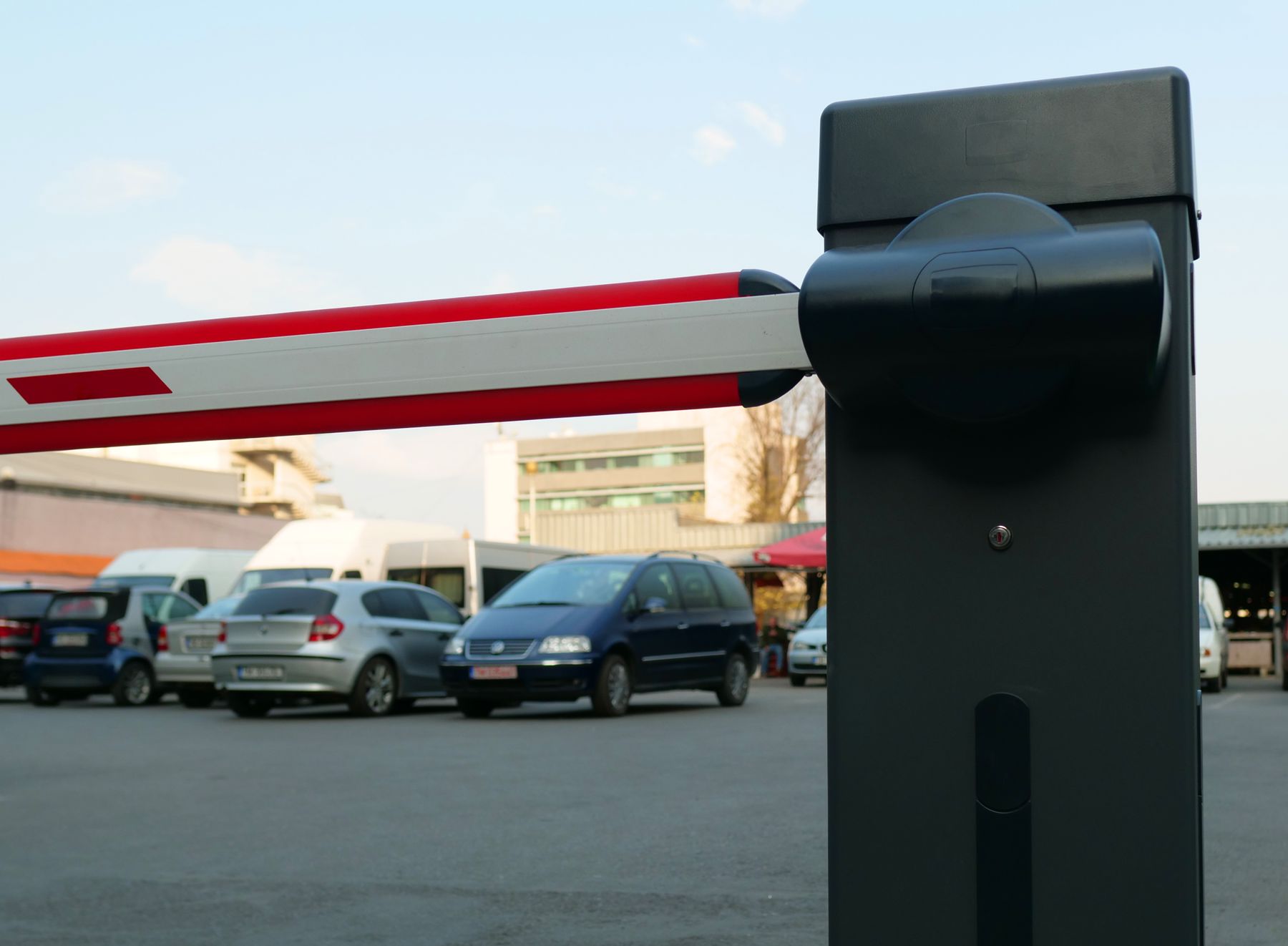
Works with common gate hardware
Open the right gate once - and record the result
Before ANPR Edge sends an open request, it checks that the barrier is enabled, reachable and not already being triggered. That protects an unattended lane from duplicate commands and leaves a clear record when something fails.
Use the output your camera already has
Our software does the reading, so the camera on the post does not have to be an ANPR camera - it has to be a camera. Many IP cameras also carry an alarm output: a pair of terminals that can close for a moment. Wire that to the barrier input and the whole path from reading a plate to opening the gate is one message on your own network, with nothing extra to buy. What your particular model supports is settled during setup, not at four in the morning.
Or close the contact with a small relay box
Plenty of barriers were installed long before anything at a gate was expected to be on a network, and plenty of inexpensive cameras have no output at all. A relay board covers both: the software tells the board to close a contact for a set number of milliseconds, and the board itself lets go. The timing lives in the board, so a PC that loses power mid-pulse cannot leave the gate stuck open.
No ANPR camera. No new barrier.
The plate is read by our software running on ordinary IP cameras, so nothing at the gate has to be a special ANPR model - that is the whole reason to buy software here instead of hardware. Opening the barrier is a separate and much smaller job: one contact has to close for a moment. There are three ways to do that, and one job we deliberately leave alone.
The camera closes the contact itself
If your Hikvision camera has an output, it can trigger the barrier itself and there may be no extra hardware to buy. ANPR Edge identifies and remembers the supported output during setup, so the live lane uses the correct connection every time.
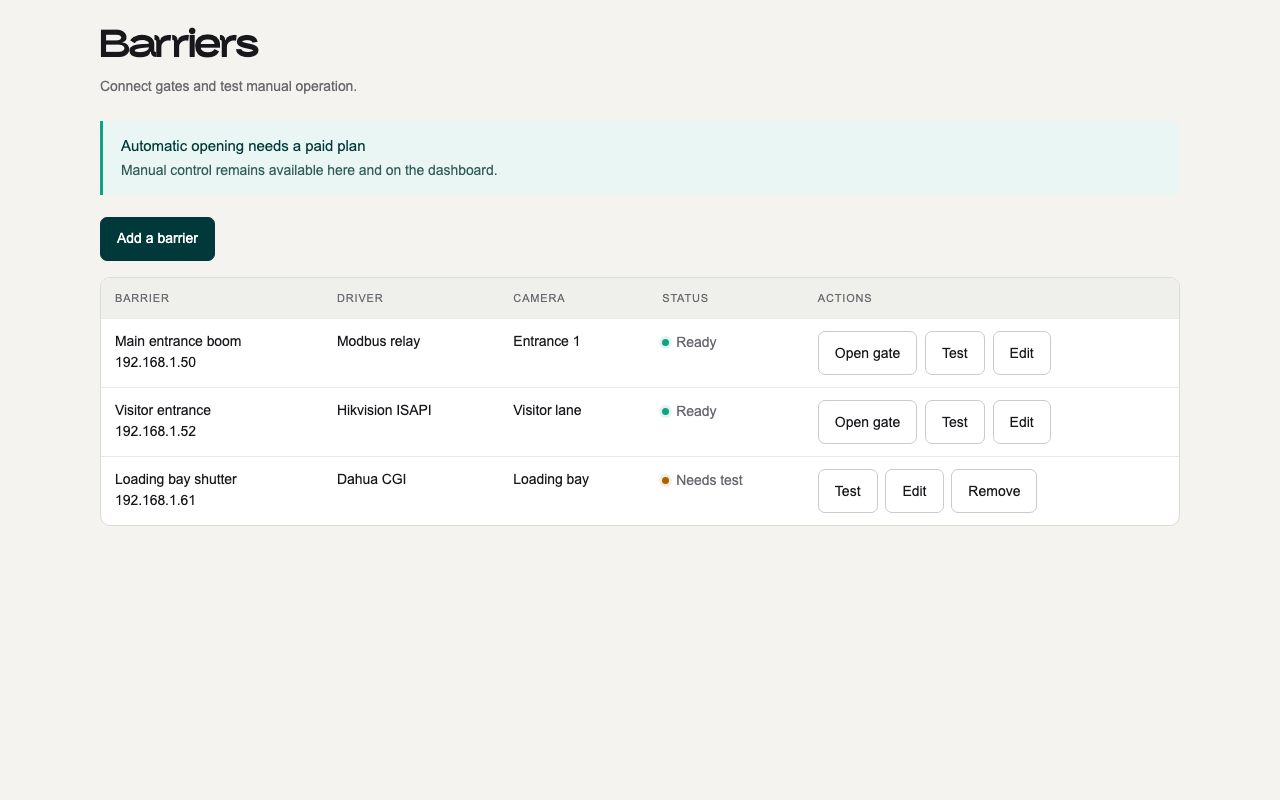
Built for a gate that runs unattended
- A barrier switched off in the software cannot be opened by anything - the command stops on the PC
- A restart in the middle of a command never repeats an open that already went out - missing one open costs a button press, opening twice lets a second car through
- The same barrier cannot be pulsed twice in quick succession, so a burst of retries can never close the gate and open it again
- Every open request, failure and refusal is recorded on the machine, so you can see what the system decided and when
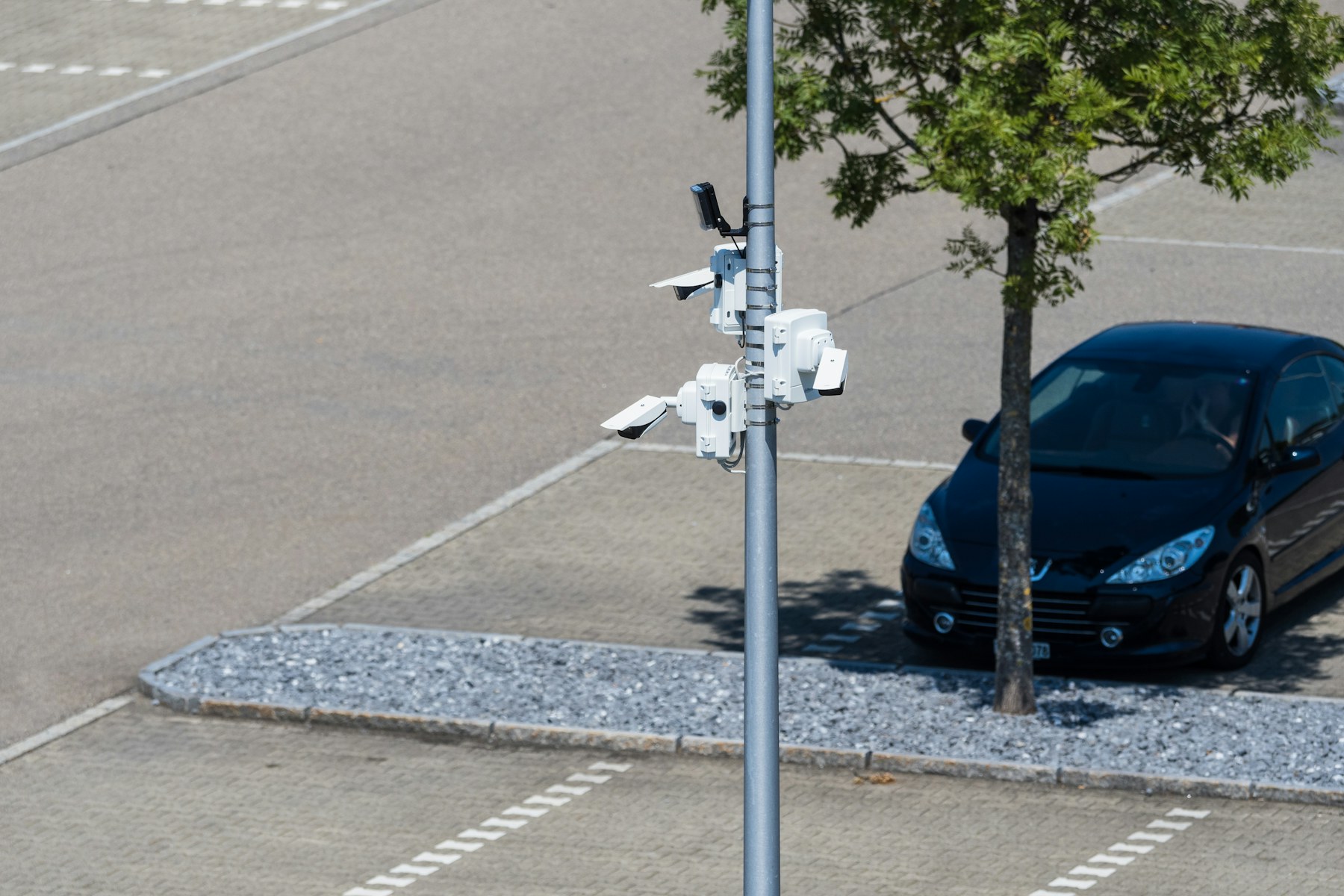
Check whether your existing gate is compatible
The make of the barrier, and whether the camera is a Hikvision, a Dahua or something else, is usually enough for us to say how it will be wired and whether a relay box is needed at all.
- Your camera's own output, or a relay board costing tens of dollars
- Pulses timed by the hardware, so a crash cannot leave a gate open
- Safety logic left where it was certified, in your barrier controller
Talk to someone who has wired one
Tell us what cameras and barriers you run, and what should happen when a plate is read. You will get a straight answer about whether the edge build or the cloud API fits - including when the answer is neither.
Or read the camera connection guide first - it covers most of what a first install runs into.