
Know which vehicle has arrived, before fuelling begins
Understand how vehicles use your forecourt without reviewing footage. Track repeat visits, fleet activity and time at the location, then send each event or summary to your reporting platform.
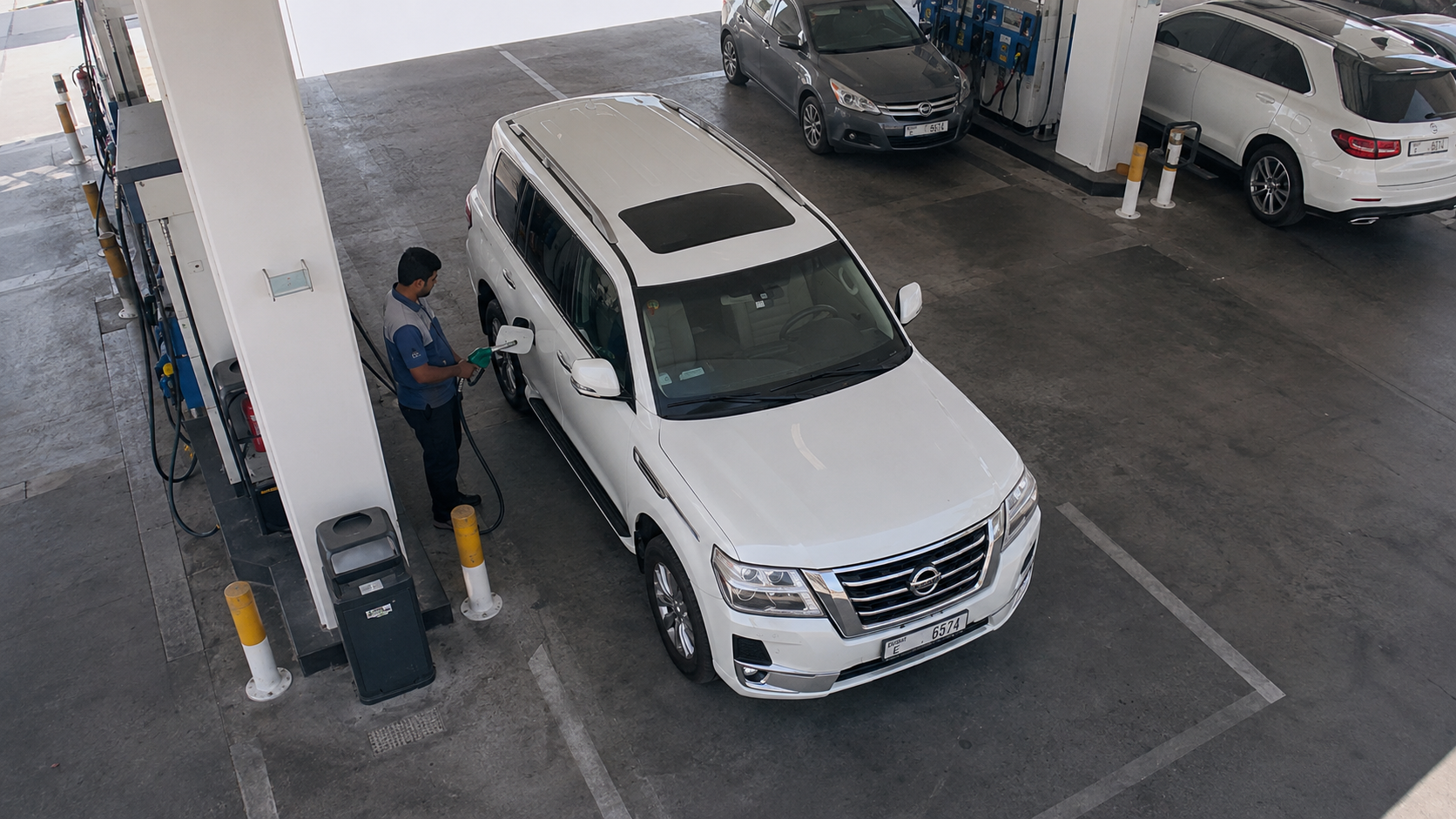
Link every fuel visit to the right vehicle
A fuel card identifies an account, but fuel goes into a vehicle. When those records do not match, teams are left to reconcile a receipt without a clear vehicle record. A plate read adds the vehicle to the record at the moment it visits your forecourt.
How it runs
- Trigger
A vehicle arrives at the forecourt
A camera covering the approach or fuel bay reads the vehicle plate as it arrives.
- Question
Match it to the right account
The system checks the plate against your fleet list—the same Google Sheet, CSV or account data your team already maintains, with the details that matter to your operation.
- Action
Record the visit or notify your team
When a vehicle matches, the read can be added to that account in a spreadsheet or your own system. If a plate needs attention, the system can quietly notify the site team on a phone instead of disrupting the forecourt.
Create records that are easy to reconcile
Every read includes the time, direction and plate, with history available to export as CSV. Your accounts team has the vehicle information it needs alongside the visit record.
Keep useful evidence for drive-offs
Entry and exit reads give your site a clear record of the vehicle involved, rather than a description to rely on later. Your team can then follow its own established policy.
What it takes to run
- Ordinary IP cameras. No dedicated ANPR hardware — Hikvision over ISAPI, Dahua over CGI, or anything that gives an ONVIF or RTSP stream.
- Whatever barrier is already there. It is driven over ISAPI, CGI or a Modbus relay board, and all three end at the same momentary contact.
- One Windows or macOS machine on the same network as the cameras, or nothing at all if you run against the cloud API instead.
- A list you already keep. A Google Sheet, an uploaded CSV, or rows typed into the app — to a rule they are the same table of plates.
Questions
Can it stop fuel being dispensed?
Not by itself. ANPR reads plates, checks your lists and can send an action to another system. Whether the forecourt controller accepts that action and releases fuel depends on the controller and the integration you choose.
How accurate is it on a dirty plate?
A dirty or obscured plate is harder for any reader to recognise. Every result includes a confidence score, so you can set a threshold and choose what should happen with a lower-confidence read—usually logging it and alerting a person rather than acting automatically.
Do we need one machine per station?
For ANPR Edge, yes. One licence per location covers all cameras there and runs on a PC at that station. The number of cameras one PC can support depends on its hardware. Stations using the cloud API do not need a local machine.
Start with your fleet list
If your accounts team already keeps vehicles against fleet accounts, you already have the foundation. Tell us what information you track and we will show you how it can work at the forecourt.
Talk to us about this