
Make coming home simpler for residents
Most communities already maintain a list of residents and their vehicles. ANPR brings that list to the gate, so recognised vehicles can enter smoothly while your team stays in control of everyone else.
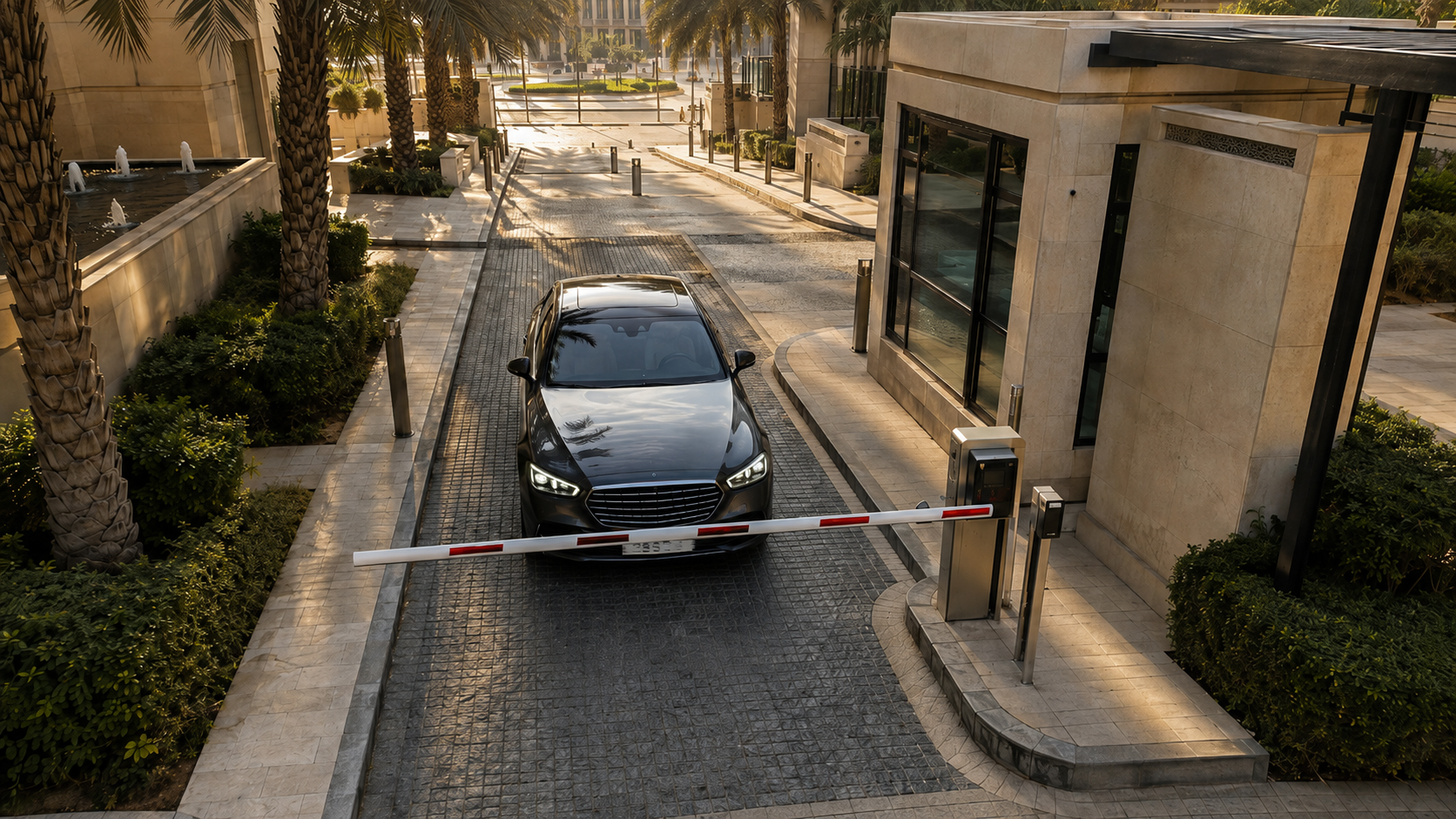
Move beyond access fobs alone
Fobs can be lost, shared or duplicated, and they do not show which vehicle has entered. A plate is attached to the vehicle and gives your community a clearer access record, helping the gate team welcome residents more smoothly.
How it runs
- Trigger
A vehicle approaches the gate
The gate camera reads the plate as the vehicle approaches. ANPR Edge makes the decision locally at the gate, so access remains fast and reliable at any time of day.
- Question
Check resident and visitor access
The system checks the resident list and then your expected-visitor list. Your management office can continue using its familiar spreadsheets or community tools, with updates reaching the gate on the next sync.
- Action
Open the barrier or assist the visitor
A recognised vehicle can open the barrier in around 100 milliseconds over your local network. If a vehicle is not recognised, the guard is notified and can make the right decision for that visitor.
Keep a useful vehicle access record
Each read includes the time and direction of travel and can be exported to CSV. Your team can answer questions about vehicle movement without manually reviewing hours of footage.
Prepare for visitors before they arrive
When a resident expects a guest or delivery, their vehicle can be added to the approved list. That information can come from a spreadsheet, CSV or the community app you already use.
What it takes to run
- Ordinary IP cameras. No dedicated ANPR hardware — Hikvision over ISAPI, Dahua over CGI, or anything that gives an ONVIF or RTSP stream.
- Whatever barrier is already there. It is driven over ISAPI, CGI or a Modbus relay board, and all three end at the same momentary contact.
- One Windows or macOS machine on the same network as the cameras, or nothing at all if you run against the cloud API instead.
- A list you already keep. A Google Sheet, an uploaded CSV, or rows typed into the app — to a rule they are the same table of plates.
Questions
What about visitors nobody registered?
They meet the guard, just as they do today. The aim is to let residents pass through smoothly while your guard team gives visitors the right level of attention.
Can residents have more than one car?
Yes. Add each vehicle plate to the resident’s record in the format that works for your existing list. The system matches vehicles by plate, so your team can keep the data structure it already uses.
Does this need a guard house with a PC?
It needs one Windows or macOS machine on the same network as the cameras, often in the guard house. An unlimited licence has no camera limit; the number a PC can support depends on its hardware.
Start with the resident list you already have
Most communities already have the information needed to begin. Share how you manage resident and visitor vehicles today, and we will help you plan a practical rollout.
Talk to us about this