
Keep time-limited parking fair and easy to manage
Commercial buildings often offer a set amount of parking time for visitors. ANPR Edge reads vehicles as they arrive and leave, so your team has a clear record of each stay without walking the car park or checking hours of video.
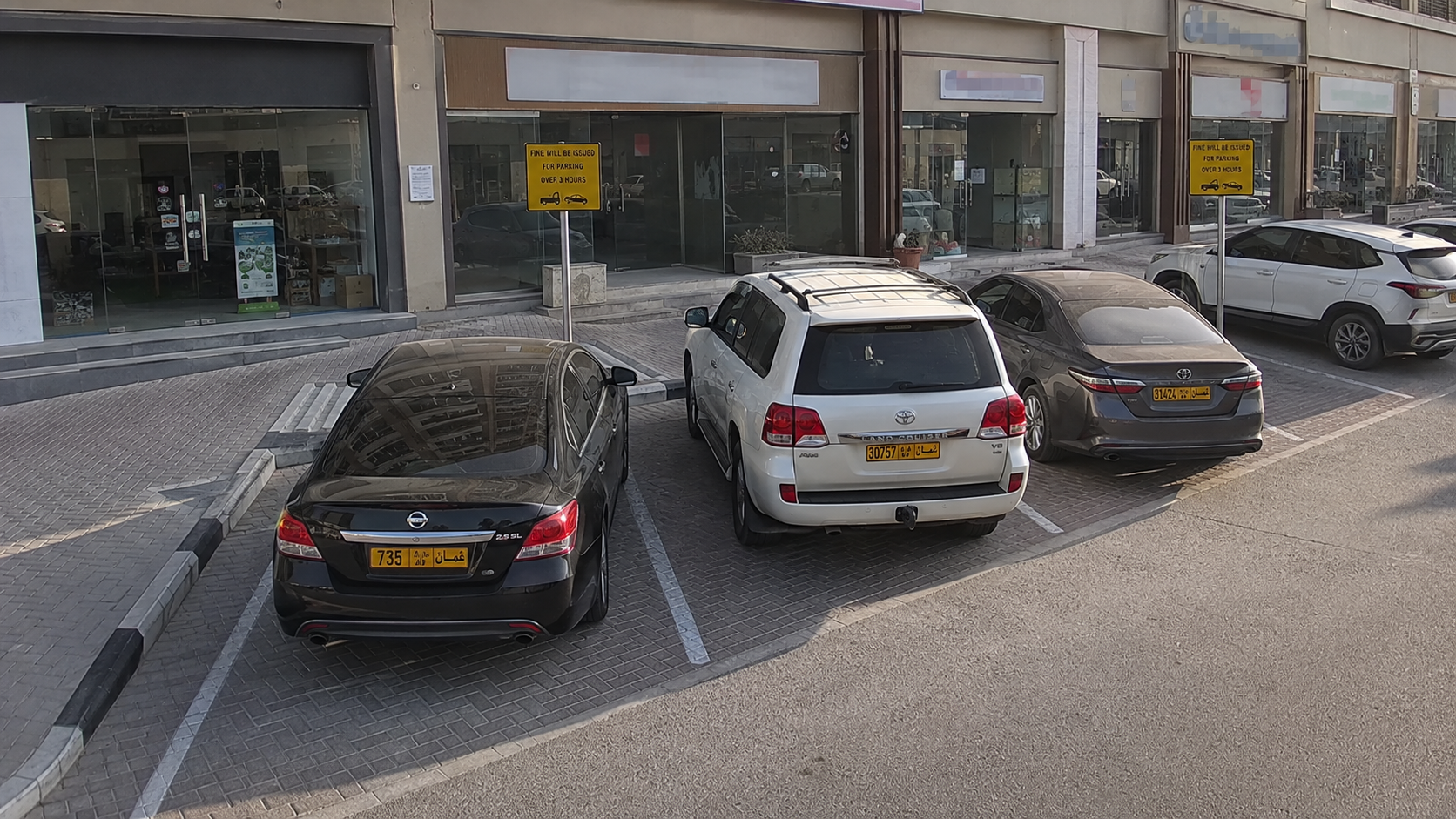
A time limit only works when it is easy to apply
A one-hour visitor limit can protect spaces for the people who need them, but manual checks are time-consuming and inconsistent. Reading plates through the CCTV already at your building gives your team the arrival time, departure time and vehicle image in one clear record.
How it runs
- Trigger
Record the arrival
A camera covering the entrance or parking area reads the plate when a vehicle arrives. ANPR Edge starts the visit and keeps the time and image with it.
- Question
Apply your parking rules
Set the free stay you allow, such as one hour, and keep approved staff, tenant and visitor vehicles on a whitelist. The same rule can treat each list differently.
- Action
Give the right person the right information
When a stay needs attention, your workflow can record it, email your team, post to Telegram or send the visit details to your own system. Your team decides what happens next.
See a complete record of every stay
Arrival and departure reads create a clear timeline for the vehicle, including the camera images. Search the history or export it when your property team needs to review a visit.
Build the workflow around your building
Choose the rule and the follow-up: an alert after the allowed stay, a request to your parking or facilities system, or a message with the plate, time and image. You can update approved-vehicle lists from a Google Sheet, CSV or the ANPR app.
What it takes to run
- Ordinary IP cameras. No dedicated ANPR hardware — Hikvision over ISAPI, Dahua over CGI, or anything that gives an ONVIF or RTSP stream.
- Whatever barrier is already there. It is driven over ISAPI, CGI or a Modbus relay board, and all three end at the same momentary contact.
- One Windows or macOS machine on the same network as the cameras, or nothing at all if you run against the cloud API instead.
- A list you already keep. A Google Sheet, an uploaded CSV, or rows typed into the app — to a rule they are the same table of plates.
Questions
Can we set different time limits for different vehicles?
Yes. A workflow can check a plate against the lists you maintain for staff, tenants, visitors or approved contractors, then apply the time limit and action that fits that group.
Will an alert include a picture of the vehicle?
The visit record keeps the camera images alongside the time and plate. Your workflow can send the details needed by your team to email, Telegram or your own system, depending on the action you configure.
Do we need to replace our CCTV cameras?
Usually not. ANPR Edge works with compatible IP cameras that have a clear view of the plate. A short camera review is the best way to confirm placement and image quality before you roll it out.
Make your parking rules easier to run
Tell us the parking time you offer, which vehicles are approved and how your team handles an overstay today. We will help you shape a practical workflow around it.
Talk to us about thisHow operators automate parking like this
Paid parking runs on knowing which car is where and for how long. Plate recognition turns any existing IP camera into that sensor, so entry, exit and billing happen without a ticket machine or a person in a booth.